Startups · Explainer
What Can You Upgrade in a Framework Laptop 13?
A faster processor requires a replacement mainboard. The memory, drive and Wi-Fi module have their own compatibility rules, which can change the cost of the job.

Kunkafa News · Published · 3 min read
 By Kareem FaridDiscuss with the author on X
Here is a visual story in summary




Key points
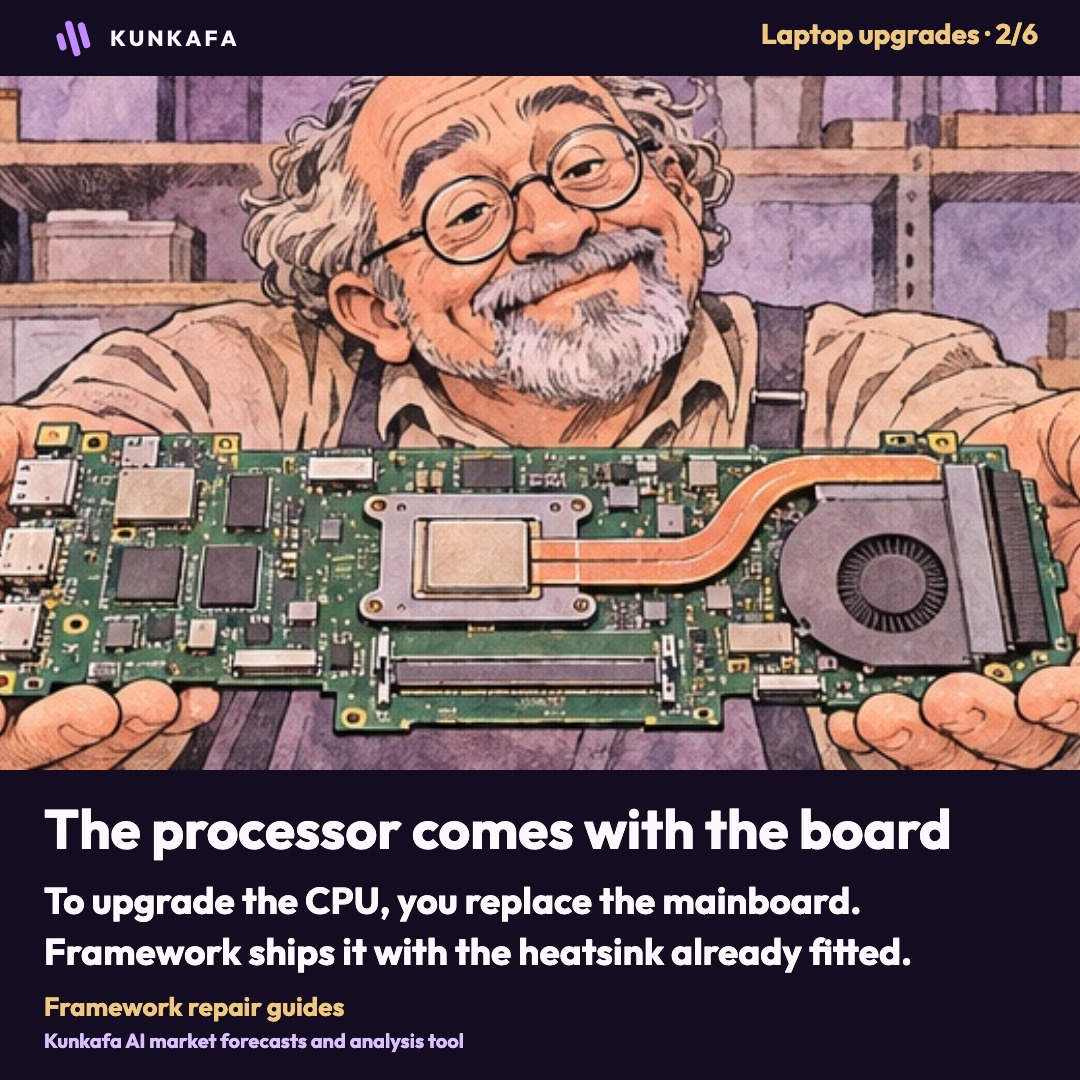
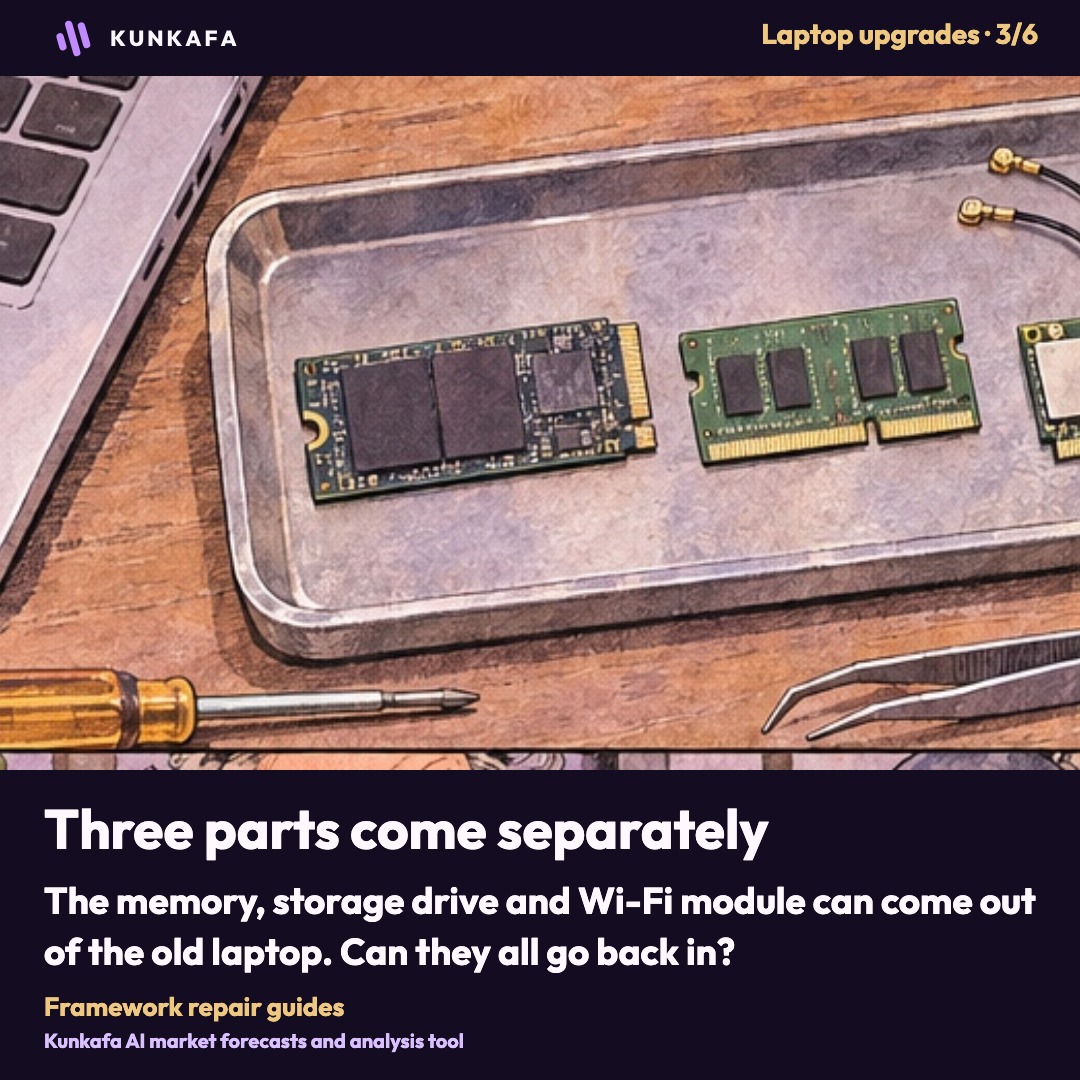
- Framework’s replacement mainboard includes its heatsink; memory, storage and Wi-Fi modules are separate.
- The Ryzen AI 300 mainboard accepts DDR5 and cannot use DDR4 memory.
A Framework Laptop 13 owner who wants a faster processor starts by pricing a mainboard. Framework’s repair guide says a CPU upgrade requires replacing that board. An owner who only needs more storage faces a smaller job because the solid-state drive is a separate component. The distinction determines what to buy before the laptop is opened [1].
What arrives in the box?
Framework says its replacement Laptop 13 mainboards come with a heatsink fitted. The SSD, memory and Wi-Fi module do not come preinstalled. The repair guide walks through removing and reinstalling those components. The ability to take a part out is only the first question: the new board also has to accept the part’s generation and physical format [1] [2].
Take an owner with DDR4 memory who wants the AMD Ryzen AI 300 board. The setup guide for that specific model calls for DDR5. Transferring the old sticks is therefore off the table, even if the aim is to reuse the laptop body. The price comparison has to include compatible memory alongside the mainboard. Someone with the correct memory can check capacity and configuration in Framework’s guide for their board before ordering [2].
The Capsule
- Identify the exact Laptop 13 model and the board you intend to install.
- Check RAM generation and format before counting it as reusable.
- Budget for storage, RAM or Wi-Fi if the existing modules cannot transfer.
- Read the software preparation notes and back up data before a board swap.
Why the exact model name matters
Framework publishes a separate procedure for the Laptop 13 Pro. Within its standard Laptop 13 guide, it separates memory removal and fitting into different branches for SO-DIMM and LPCAMM2. The Ryzen guide also points to a map of expansion-card compatibility. Two accessories that slide into a similar opening may need different checks depending on the board and port position [1] [2].
For a Windows machine the company recommends a backup before the board swap and provides separate preparation instructions for some Windows configurations. A practical comparison is the cost of the board plus all required companion parts, against the specific problem being solved. Someone running out of disk space can price an SSD change separately; replacing a processor commits the owner to the board-level job [1].
Sources: [1] Framework, Laptop 13 mainboard replacement guide · [2] Framework, Ryzen AI 300 DIY guide.
Kunkafa forecasts
Microsoft
How far it could move, which way, by when, and how confident Kunkafa is.
Check the latest forecastsMore in Startups

How Foodics and Qlub Connect a Restaurant Bill to Its Table
Paying by QR code can finish the diner’s evening before it closes the cashier’s ticket.

Why Form Energy Is Building a Battery That Rusts
A Minnesota utility wants power for a prolonged shortage. Its Cambridge pilot separates Form Energy’s 100-hour design from what has been verified on the grid.

Three xAI Founders Launch Epochal to Outpredict Humans
Their first tool rewinds the web. On 347 forecasting tasks, Epochal tested whether an AI could revisit the past without seeing how events turned out.