Tech · Explainer
After Meta’s Muse Read Chats, Signal Moves to Block Screenshots
Your contact’s AI assistant could see what you send. Signal is tightening screen privacy on phones, but the same protection is out of reach on the Mac.

Kunkafa News · Published · 3 min read
 By Kareem FaridDiscuss with the author on X
Here is a visual story in summary
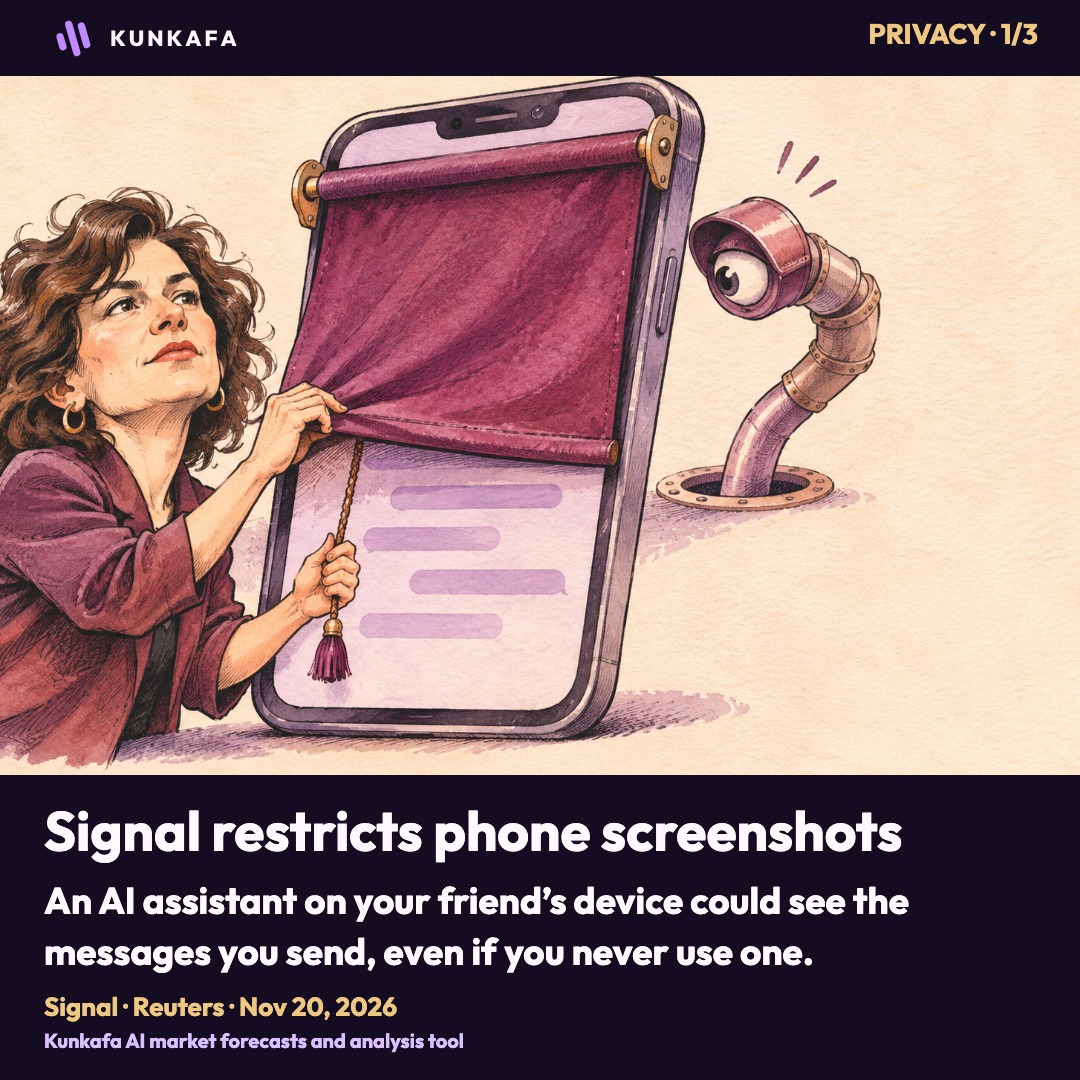
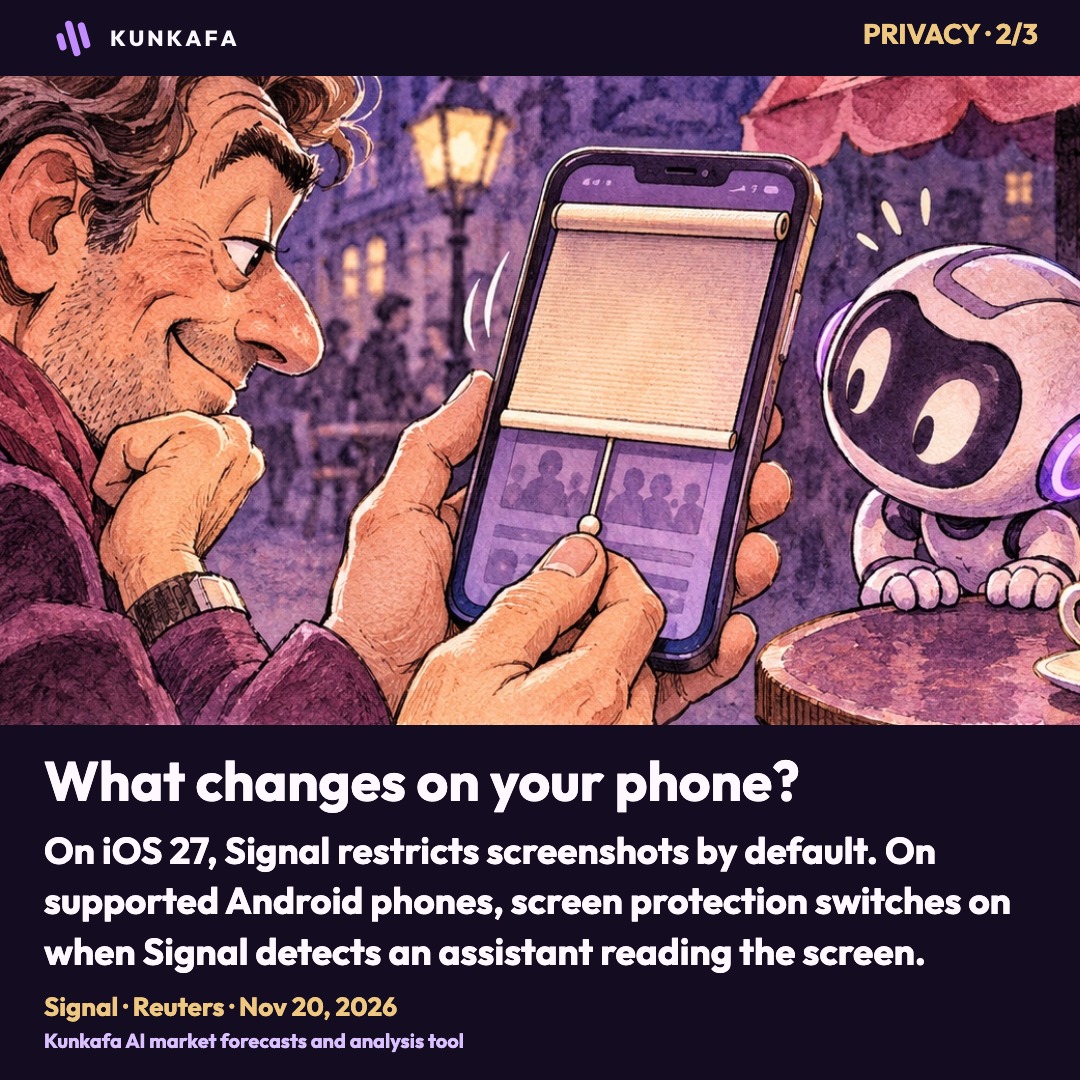
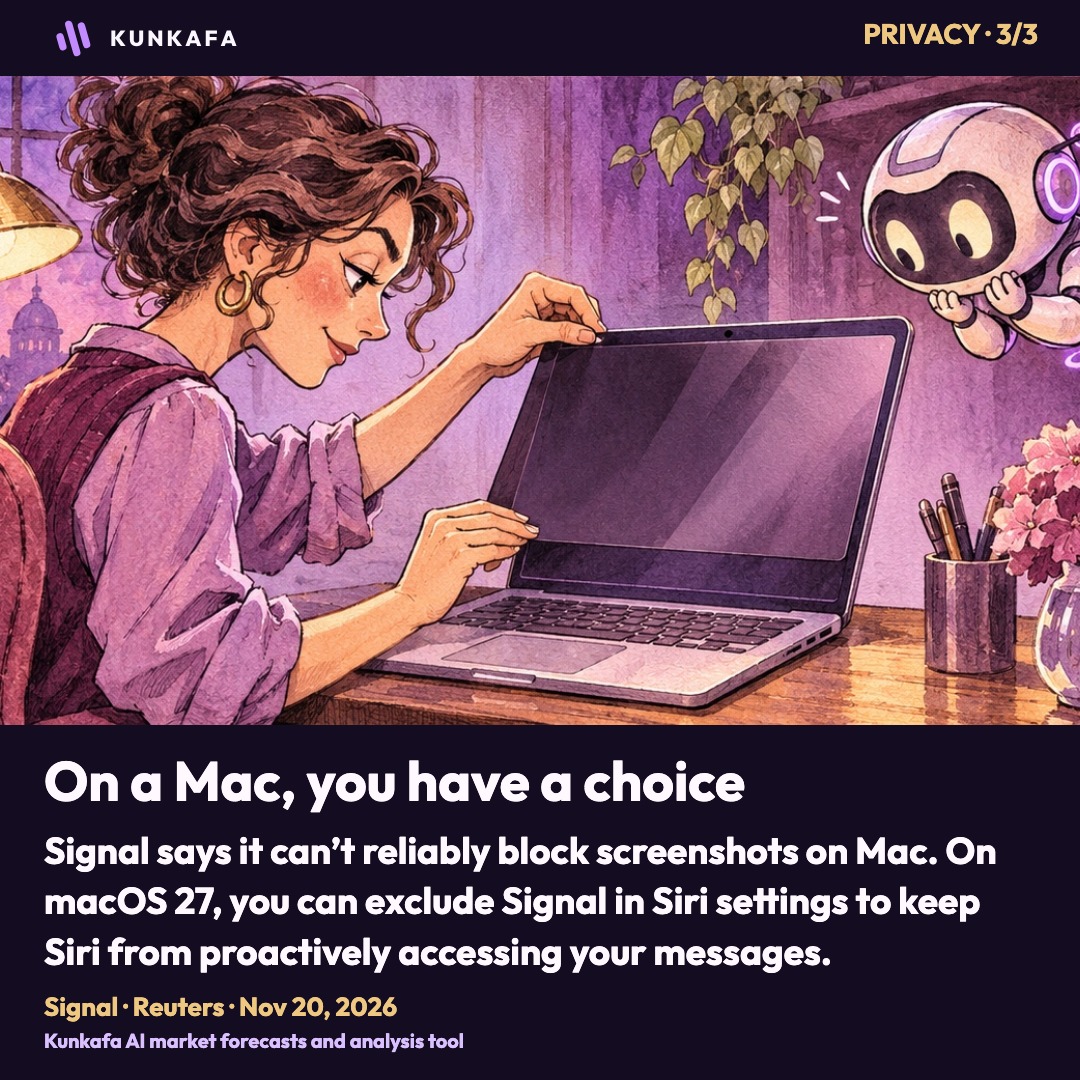
You can keep an AI assistant off your phone and still have it see what you write on someone else’s. That is the privacy problem Signal president Meredith Whittaker described on Friday as the messaging app began rolling out new screenshot restrictions on iOS 27 and supported Android phones. The change comes after Reuters reported on November 18 that Meta’s AI assistant, Muse, had read Signal messages. [1] [2] [3]
In order to protect your privacy in Signal from the latest agentic AI assistants on mobile operating systems, we are rolling out a new default to restrict screenshots in the Signal app. You can re-enable screenshots in your settings. signal.org/blog/protectin…

In yesterday’s Kunkafa report on Muse, Reuters found that the assistant could read private messages on Android and Mac even though users had never linked Signal to it. An iPhone blocked the same request in the test. Meta told Reuters that the incidents were isolated and that Muse relied on permissions users granted. The messages remained encrypted in transit. Once they appear on a recipient’s device, the operating system helps determine what else can see them. [3]
What changes on your phone?
On iOS 27, Signal is restricting screenshots by default. On Android versions where it can detect an AI assistant trying to read the screen, it automatically turns on Screen security when it detects that access. Users can restore screenshots in Signal’s settings. Whittaker says this can expose the other person’s messages as well as the user’s own. [1]
The Mac is the exception. Signal says Apple’s tools do not let it reliably block screenshots there. It advises macOS 27 users to add Signal to Excluded Apps under System Settings → Siri to keep Siri AI from proactively accessing their message content. [1]
Who gets to draw the line?
Signal is asking operating-system makers for a way to shield sensitive apps from built-in assistants such as Gemini and Siri, and for tools to limit third-party agents such as Muse. Whittaker said Apple and Google were discussing the issue with Signal. The screenshot change covers one way an assistant can capture information. Signal is still asking for a say over the others. [1]
Replies on Friday ranged from a question about how much the block can protect to a more familiar worry about private conversations ending up in another group chat.
Perspectives on Signal’s screenshot restrictions


Sources [1] Signal · [2] Signal on X · [3] Reuters
Kunkafa forecasts
Nasdaq 100
How far it could move, which way, by when, and how confident Kunkafa is.
Check the latest forecasts
More in Tech

GrapheneOS Says Google Wants Phone Makers to Shut It Out
Google’s own Pixel lets you replace its software. The team behind GrapheneOS says that freedom is under pressure as it expands to Motorola.

Trump Wants Jensen Huang Back at Nvidia
At the White House, Trump urged Nvidia to give its founder a second chance and threatened a tax on American companies that build AI data centers abroad.

Are People Selling Stocks and Gold to Buy GTA VI?
A father booked two days for Vice City. Millions ordered the game before Wall Street tumbled. What did Rockstar really take off the market?