Tech · Explainer
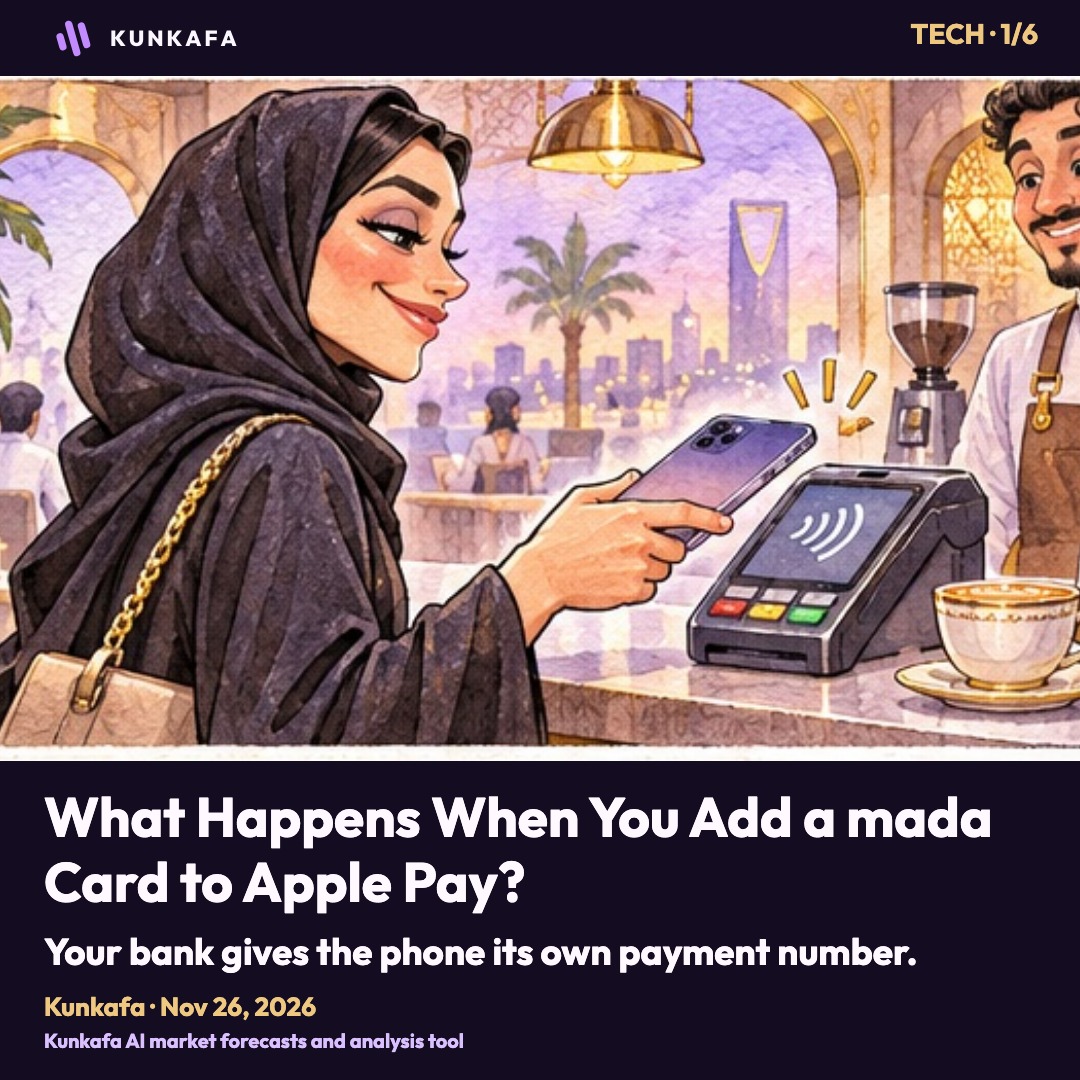
What Happens When You Add a mada Card to Apple Pay?
For a Saudi mada debit card, the number used by the phone is specific to the device. The card issuer approves enrolment before it can be used to pay.

Kunkafa News · Published · 3 min read
 By Kareem FaridDiscuss with the author on X
Here is a visual story in summary
Key points
- The issuing bank approves the card for Apple Pay and a device-specific number is created.
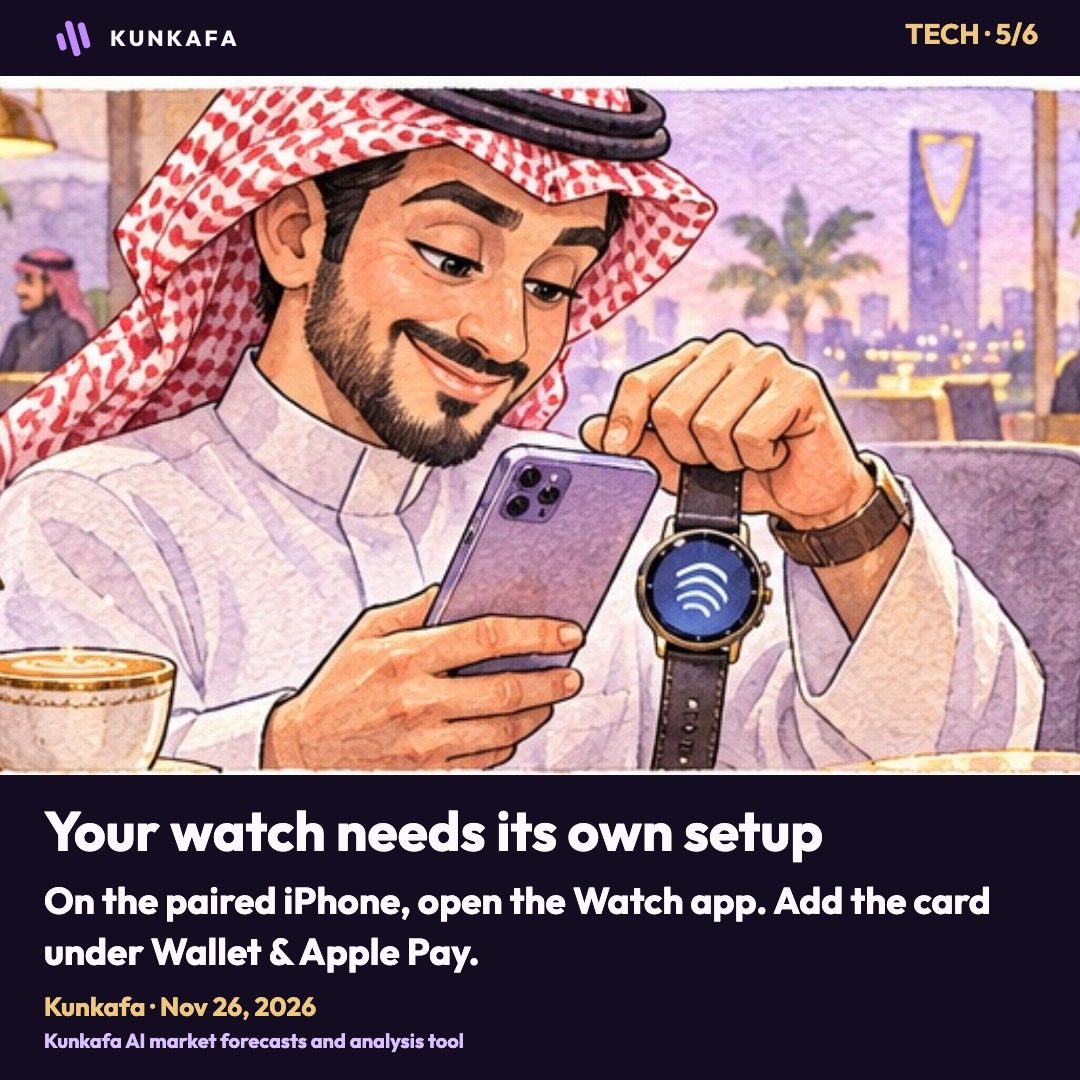
- An Apple Watch uses its own enrolment procedure in the paired iPhone’s Watch app.
When a shopper in Saudi Arabia adds an eligible mada debit card to Apple Pay, the phone does not simply replay the number printed on the plastic. The issuer approves the enrolment. A device-specific account number is then created and stored securely on the device, according to Apple. Al Rajhi Bank offers a practical Saudi example for its mada debit cards [1] [2].
From the plastic card to Wallet
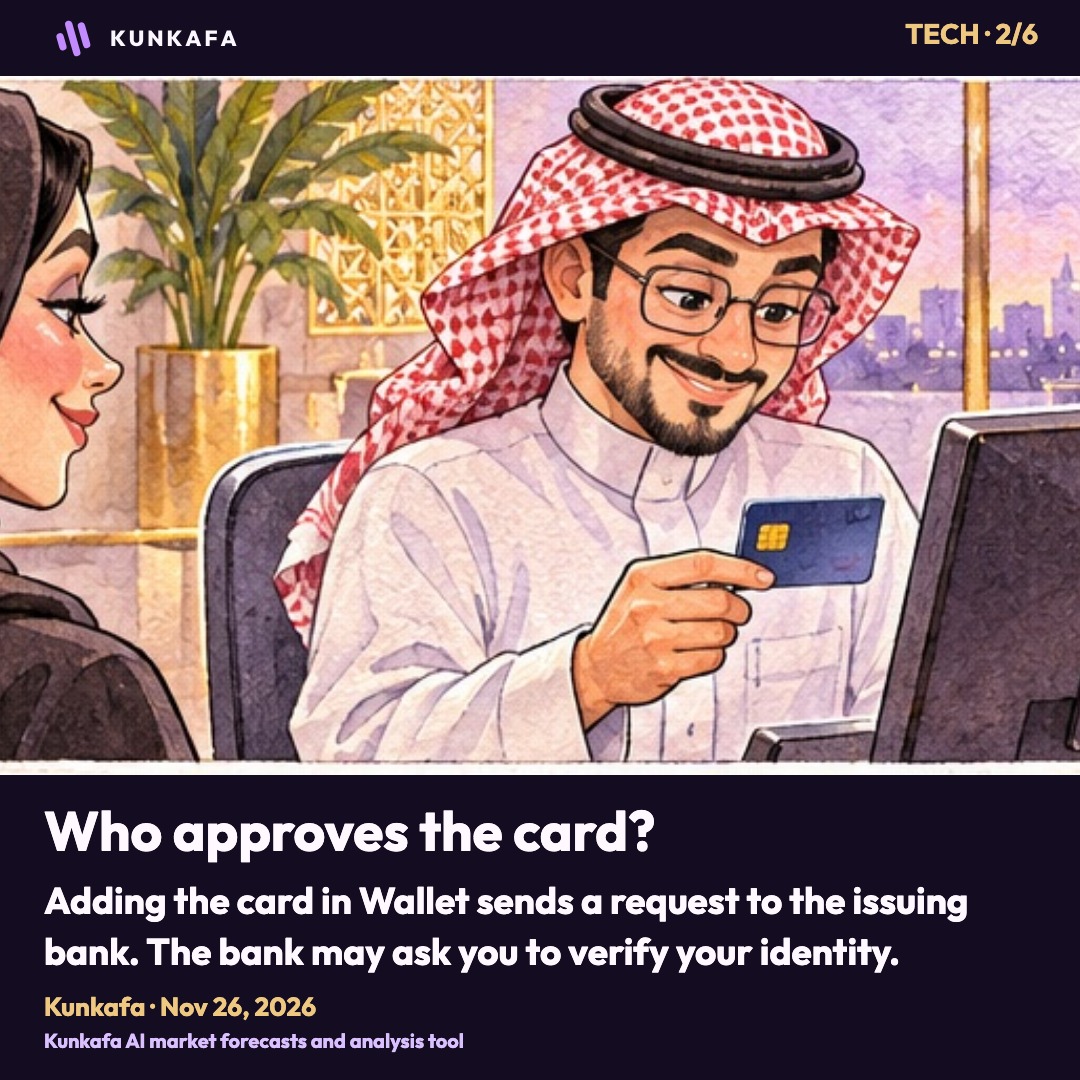
On iPhone, Al Rajhi directs customers to open Wallet, tap the plus sign, choose a debit or credit card and follow the prompts. Apple explains that encrypted card data goes through the enrolment process and that the bank or card issuer determines whether to approve the request. Entering the details starts the process; approval is a separate step [1] [2].
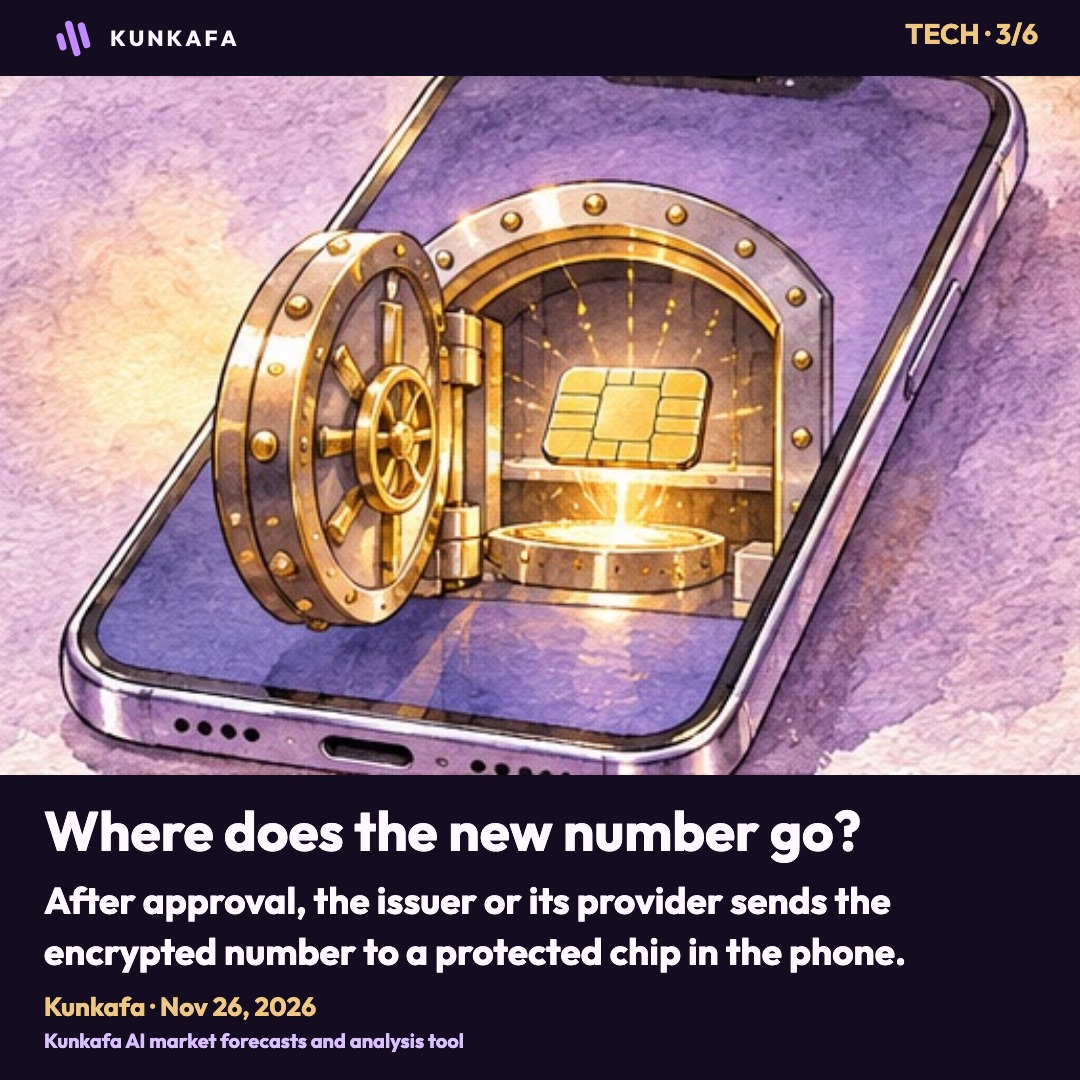
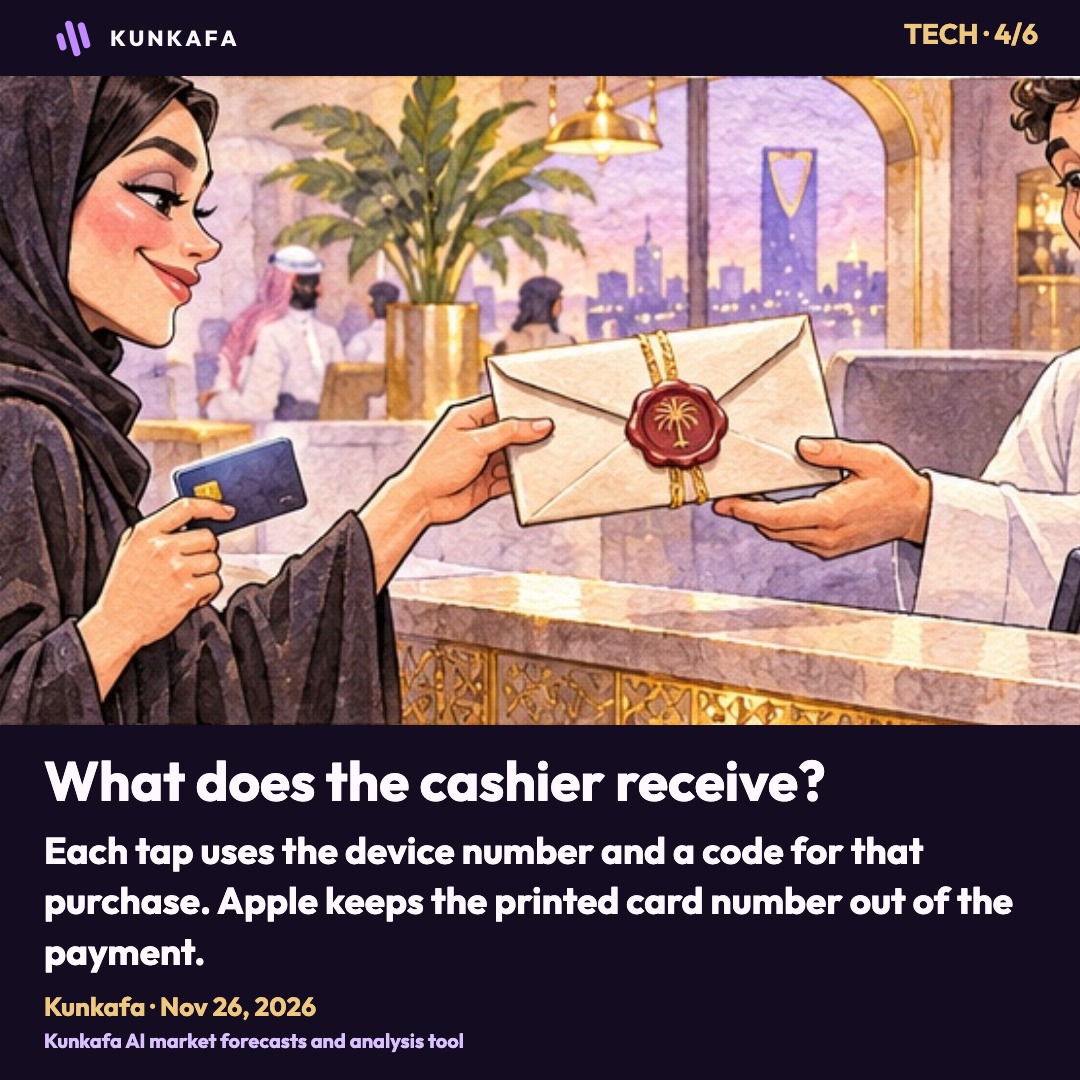
After approval, Apple says the issuer or its authorized provider sends an encrypted Device Account Number to the handset. It is stored in the Secure Element, a protected chip. That device number and a security code specific to the transaction are used when paying. A merchant processing the tap does not receive the original card number from Apple [1] [2].
The Capsule
- Use the issuer’s instructions for your exact mada card.
- Complete bank verification when Wallet requests it.
- Set up the watch separately if you want to pay with it.
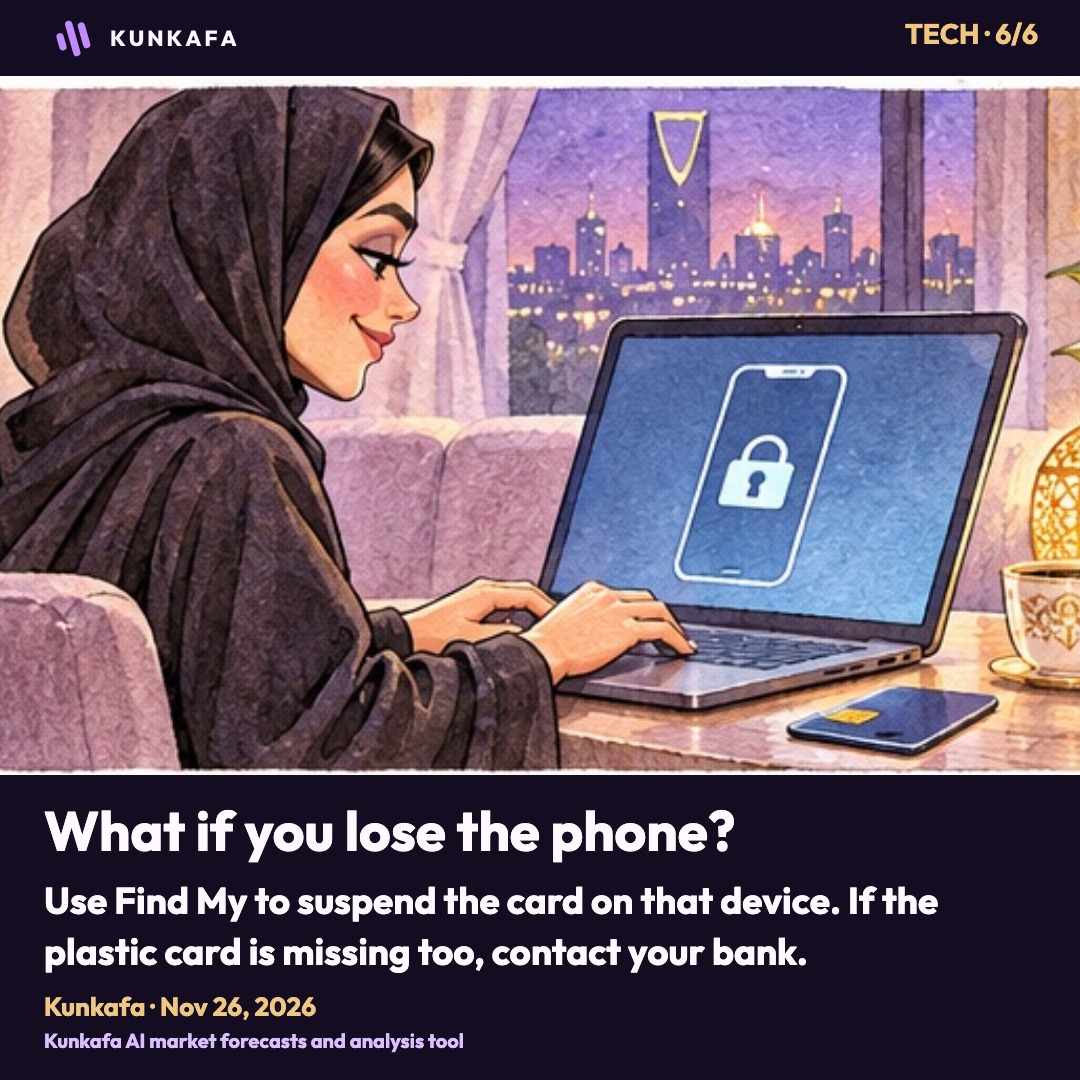
- Use Find My to suspend the card on a missing device.
What changes on a watch?
Suppose a Riyadh customer has already added a mada card to an iPhone and wants to leave the phone in a bag at the checkout. Al Rajhi’s Apple Watch instructions begin in the Watch app on the paired iPhone. The customer goes to Wallet & Apple Pay and adds the card for the watch. A card available to pay on the phone alone does not establish that the watch is ready [1] [2].
If the device goes missing, the bank points customers to Find My to lock or locate it and suspend the bank card on that device, or to erase the device remotely. Suspending mobile-wallet access addresses the lost device. A customer who has also lost the physical card has a separate issue to raise with the issuing bank [1].
Sources: [1] Al Rajhi Bank, Apple Pay guide · [2] Apple, payment security and privacy.
Kunkafa forecasts
Apple
How far it could move, which way, by when, and how confident Kunkafa is.
Check the latest forecastsMore in Tech

Neuralink Gets FDA OK to Test a Brain Implant for Hands-Free Typing
The LINK study tests whether people who lose the use of their hands can reliably control a computer by imagining movement. People with ALS may qualify.

Trelis Teaches an AI Voice to Read Arabic Like a Cairene
One letter can give away an accent. On a private test, the new research model halved one rival’s mistakes on the Arabic letter qaf.

1Password Breach Exposes Customer Details. Are Vaults Safe?
The company says the attacker copied names and email addresses but could not open customer vaults. Akash founder Greg Osuri says the breach still cost it his trust.