Startups · Explainer
Bonocle Took Braille From One Fingertip to the Classroom
The Doha startup’s first reader put a single braille cell under a fingertip. Its learning platform now gives the student a phone and the teacher a view of their progress.

Kunkafa News · Published · 3 min read
 By Kareem FaridDiscuss with the author on X
Here is a visual story in summary
Key points
- Mada endorsed Bonocle’s handheld reader in Qatar in 2019.
- The company says students can use its learning app on iOS or Android with an optional braille display.
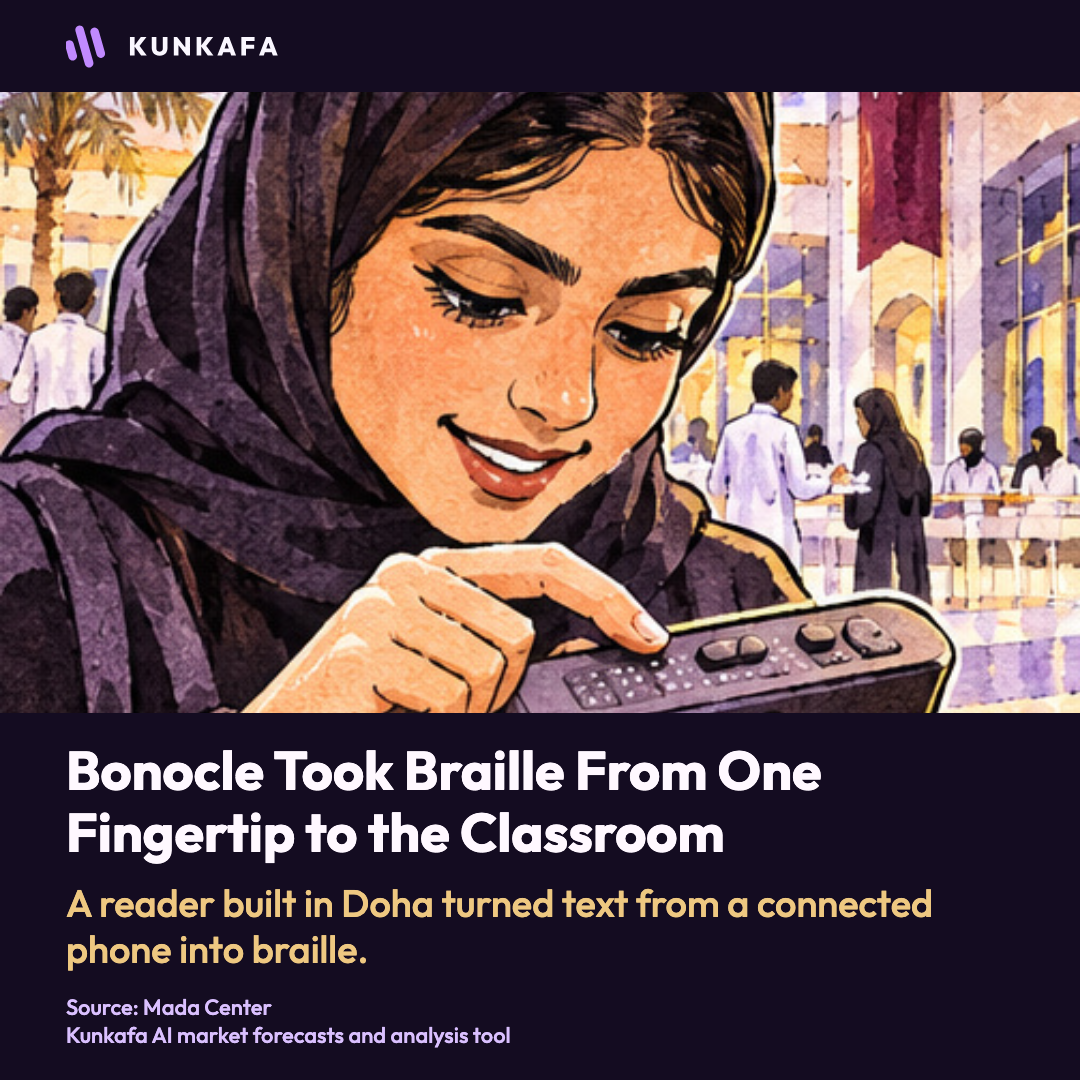
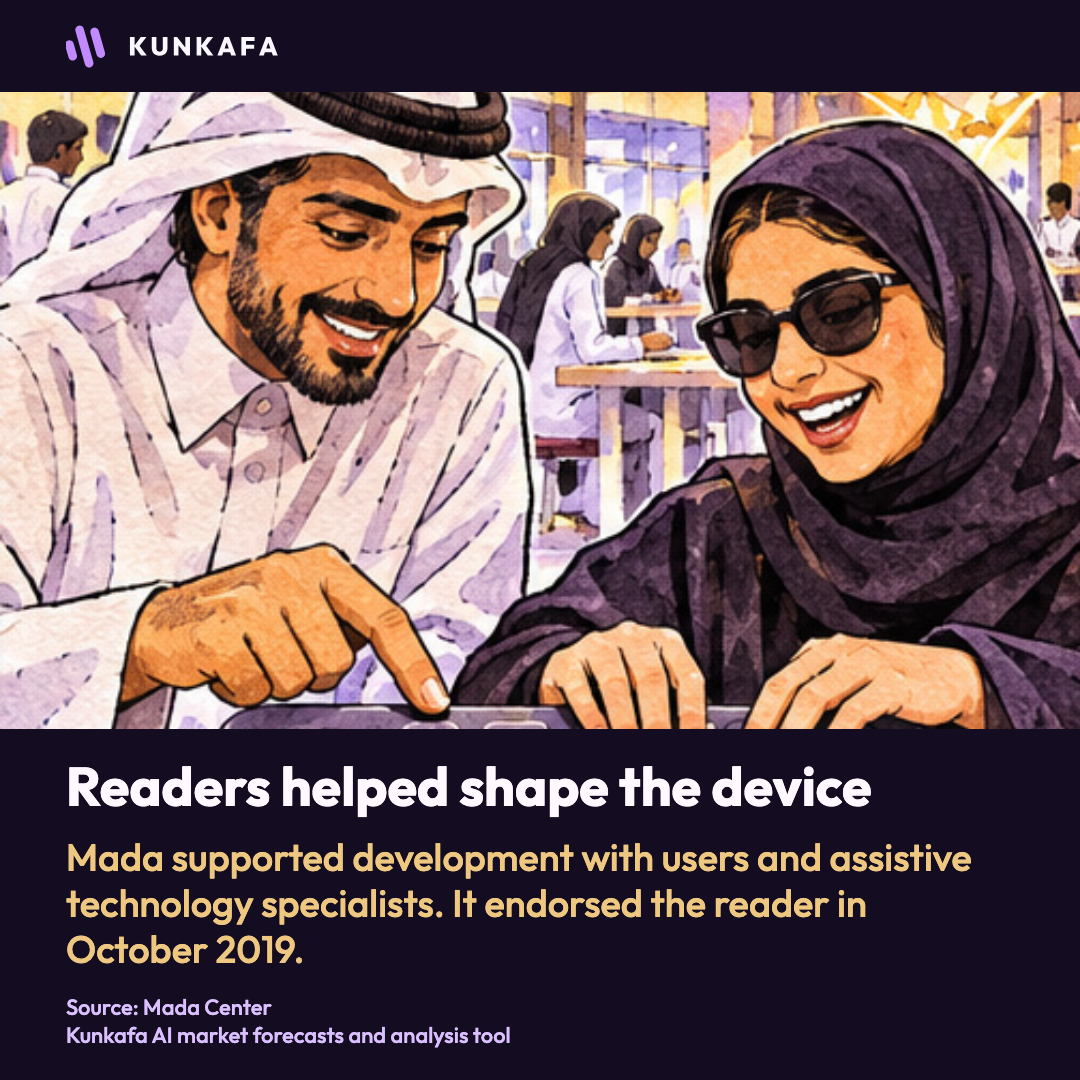
Bonocle began with a question about a reader’s fingertip. Could one small cell deliver text from a phone or computer in braille? Qatar’s Mada Center describes the Doha startup’s original device as a handheld reader that placed the cell directly under the user’s finger. Mada endorsed it in October 2019 after supporting its development with input from assistive technology specialists and people with disabilities [1].
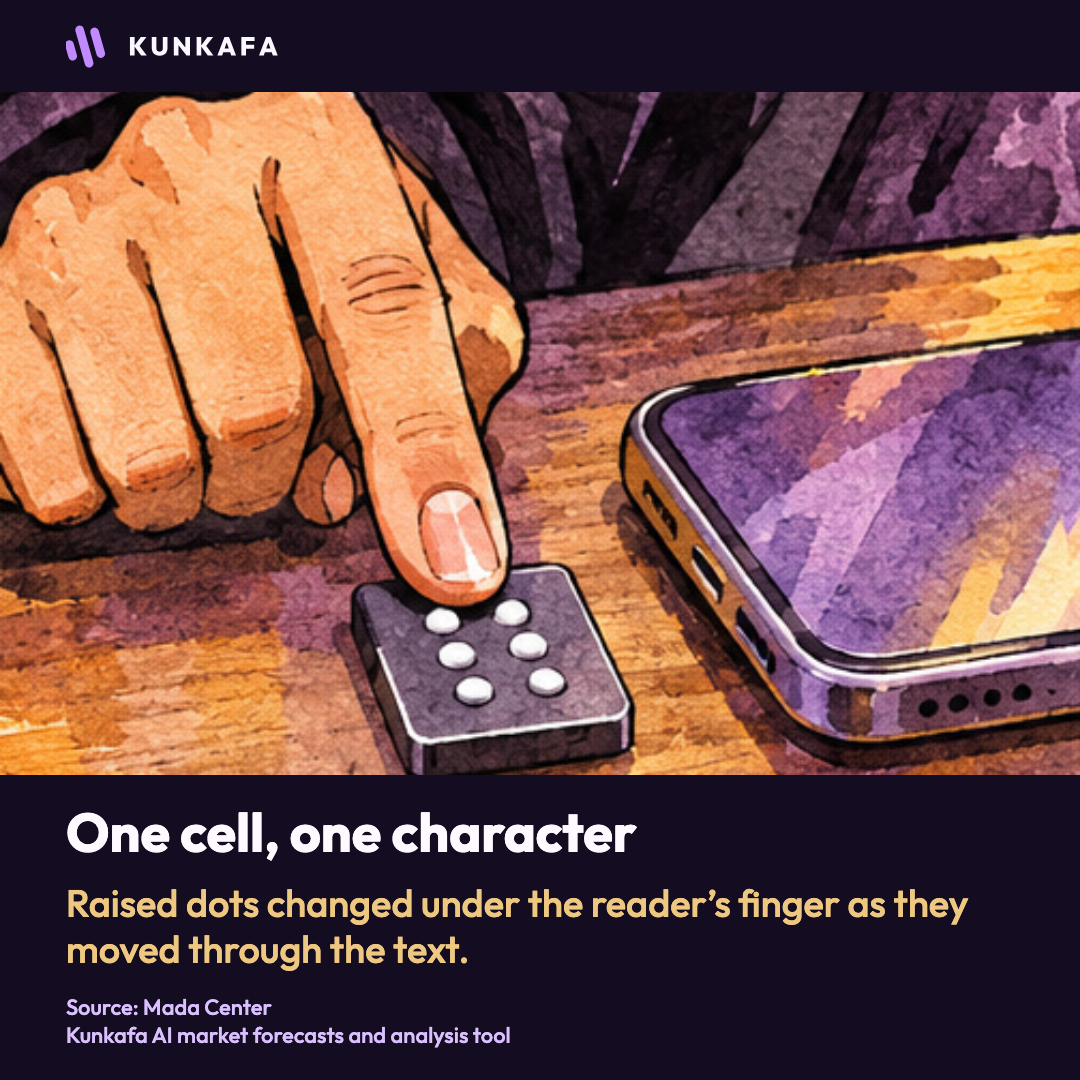
A braille cell forms a character with raised dots. In Mada’s account, the original Bonocle took content from a connected phone, tablet or computer and presented it on that single cell. The design kept the part in contact with the fingertip small. A reader looking for a long tactile line of text would be looking for a different form of display. Mada says assistive technology professionals and end users contributed during development [1].
What the student gets today
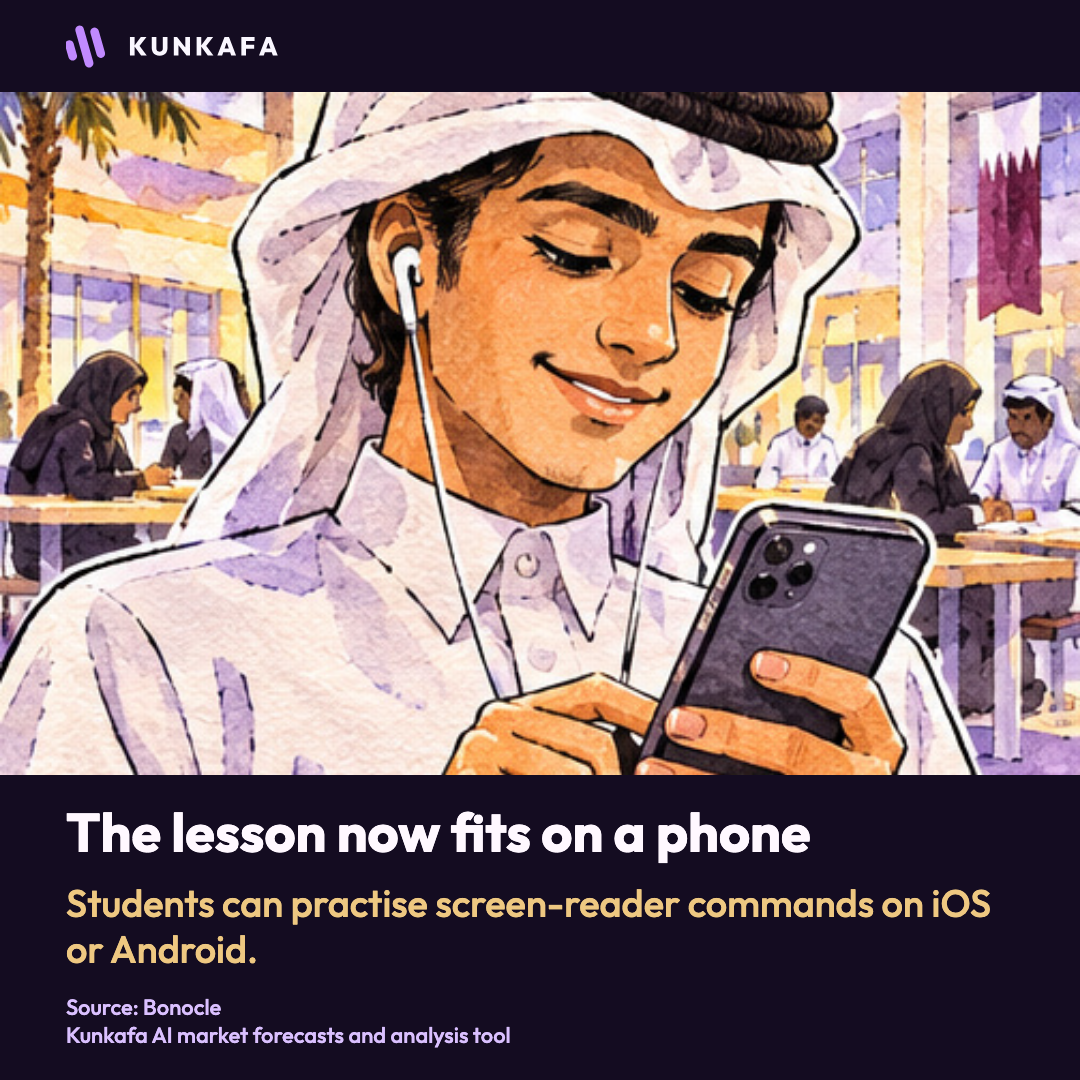
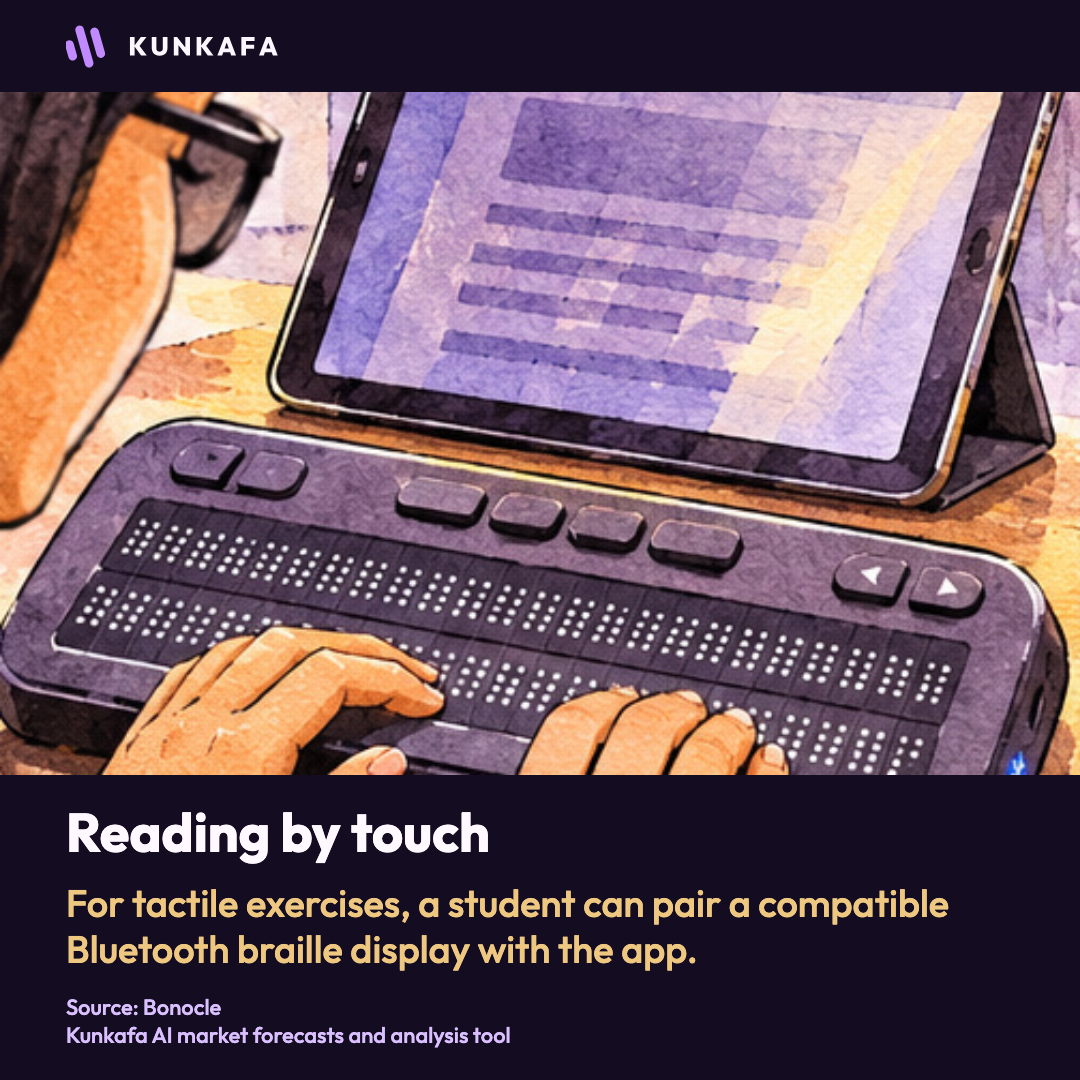
The product Bonocle describes to schools today is a learning platform. A student uses a phone or tablet for exercises in braille, screen-reader commands and other digital skills. The app supports iOS and Android. For tactile practice, students can connect a compatible Bluetooth braille display, according to the company [2].
The Capsule
- For independent practice, start with the student app on a phone or tablet.
- For tactile exercises, check that the learner’s Bluetooth braille display works with the app.
- For a class, try assigning an activity and following one student’s progress in BoDesk.
- Ask separately about availability if you want the original single-cell reader.
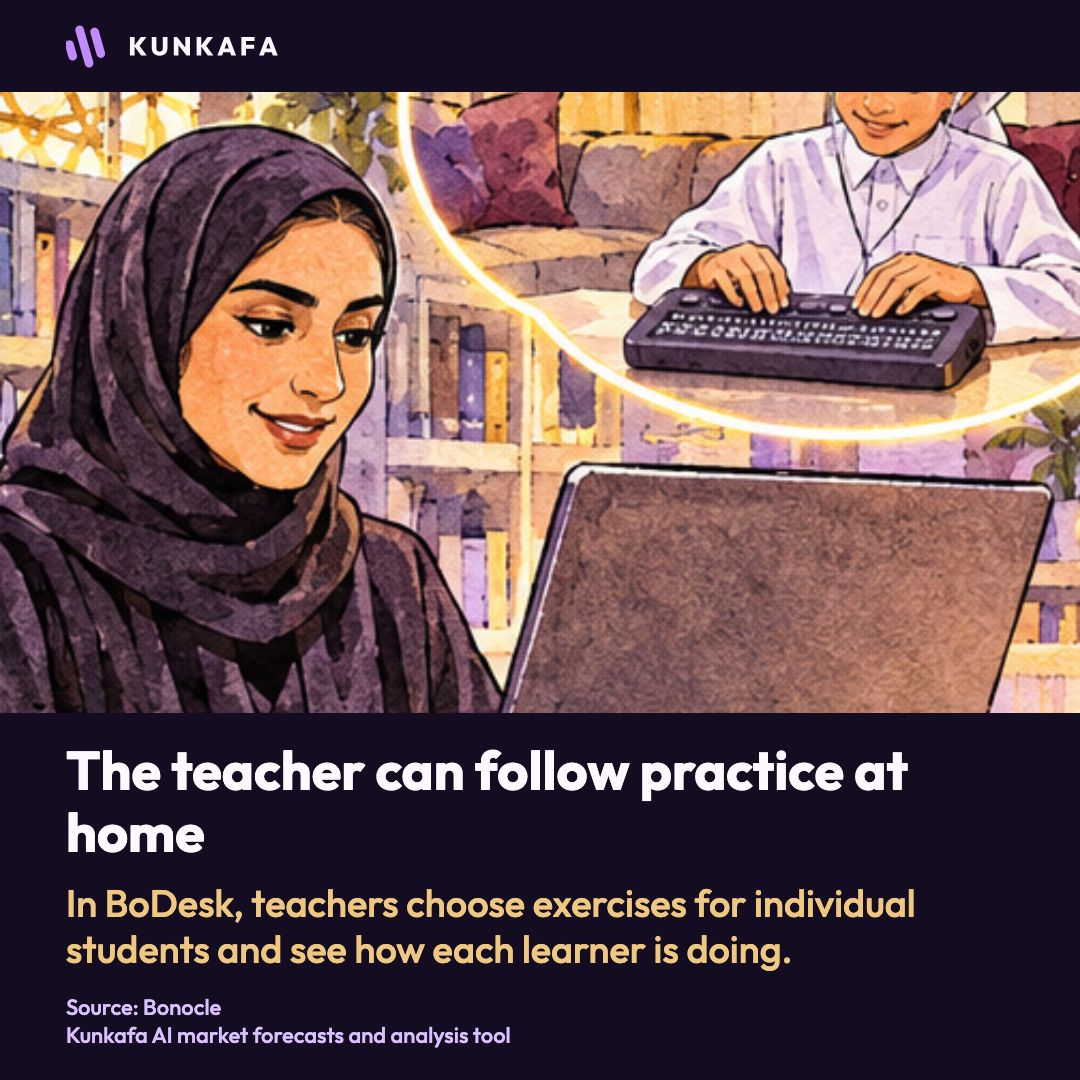
The teacher uses a separate web dashboard called BoDesk to assign an activity and see each learner’s progress, including when the student practises at home. That pairing is the practical difference between a reader and the current classroom product: the hardware presented text under a finger; the platform lets a teacher see what the student has practised [1] [2].
For a school comparing equipment, Bonocle lists the external display as optional. Its support page describes how to use the software and compatible displays but gives no current retail price or stock listing for the original single-cell reader [2].
Consider a teacher setting work for two learners. One can practise VoiceOver commands on a phone while another has a braille display available for tactile work. The teacher can assign separate activities through a browser and check individual progress remotely, according to Bonocle. That is a documented workflow. It does not establish a gain in reading speed for either learner or whether a school’s existing display is compatible [2].
Sources: [1] Mada Innovation Program, 2017–20 milestones · [2] Bonocle, product support.
Kunkafa forecasts
Apple
How far it could move, which way, by when, and how confident Kunkafa is.
Check the latest forecastsMore in Startups

Europe’s €5bn Scaleup Fund Runs Into a Delaware Snag
More European tech companies on the fund’s radar than expected have a Delaware parent. Its rules limit how much it can invest in those businesses.
Stripe Atlas in Delaware: What It Really Costs Each Year
The $100 renewal pays the registered agent. A Delaware LLC now costs $500 a year with that agent, before tax preparation. A startup with shares faces a different bill.

How Qatar’s CWallet Connects Wages to Remittances
A Doha startup puts incoming wages and outgoing family transfers in the same wallet.